Spacebar Not Working? How to Test and Fix It
Spacebar not working, skipping, or only responding when pressed hard? Test it first, then fix connection, settings, debris, and hardware issues safely.
Customize which optional services you allow. Diagnostic tools remain 100% operational locally regardless of your choices.
Powers local keyboard and mouse diagnostic engines, layout selection, and dark/light theme memory. Zero keystrokes or test inputs are ever recorded or transmitted.
In-depth technical analyses, mechanical switch teardowns, input latency physics, and practical troubleshooting workflows.
Spacebar not working, skipping, or only responding when pressed hard? Test it first, then fix connection, settings, debris, and hardware issues safely.
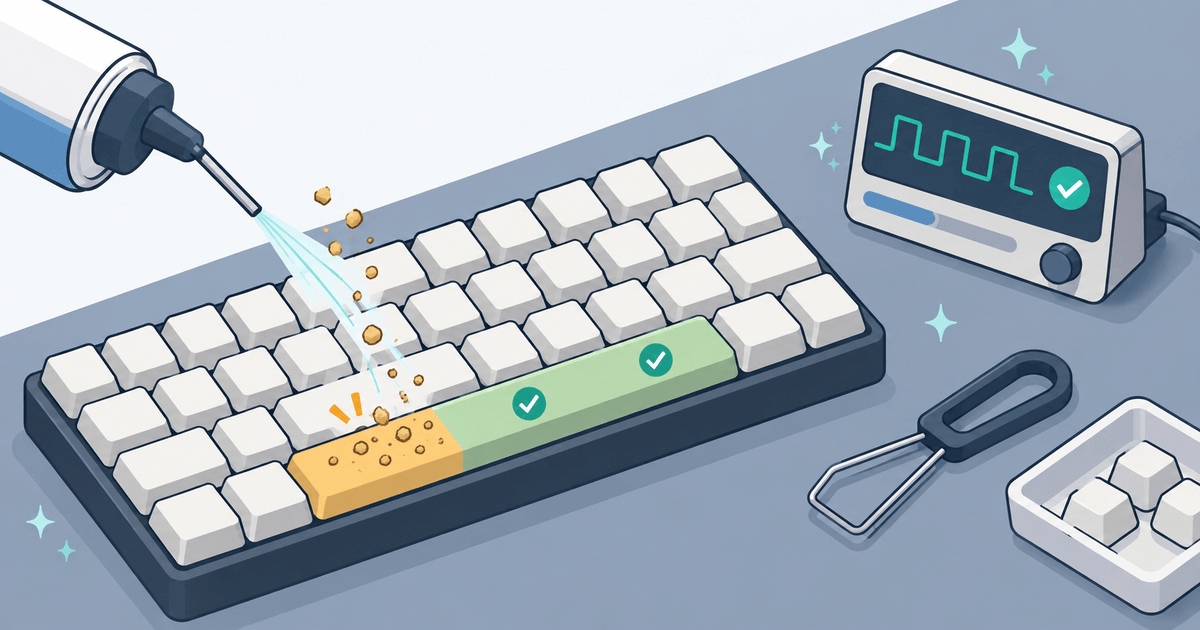
Spacebar not working, skipping, or only responding when pressed hard? Test it first, then fix connection, settings, debris, and hardware issues safely.
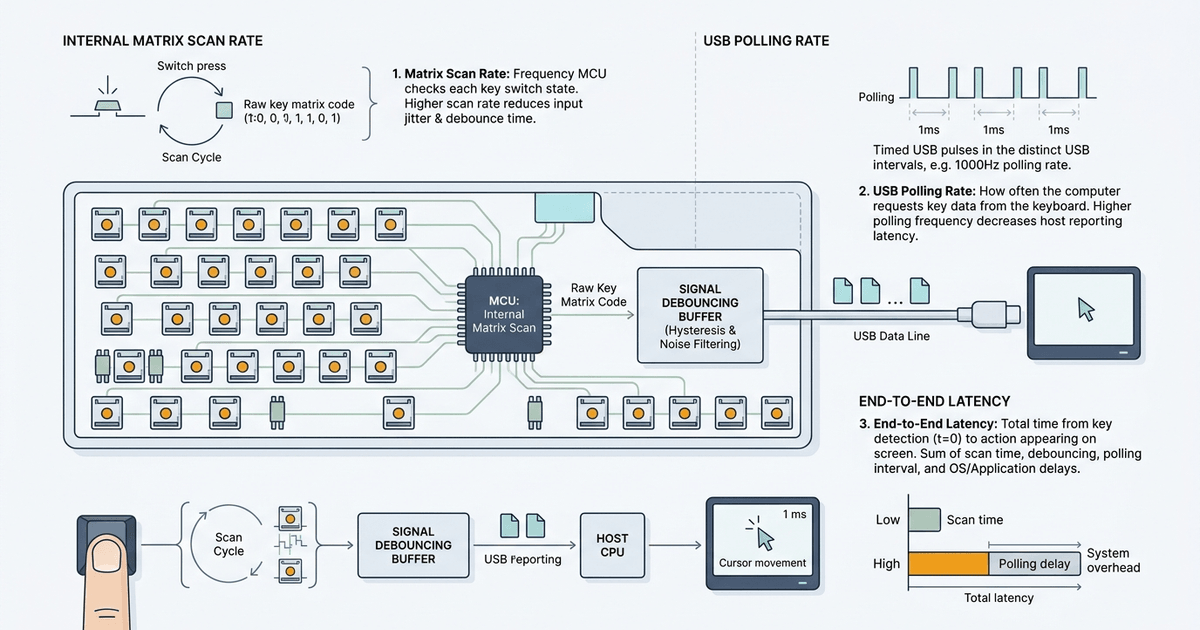
Learn the real difference between keyboard polling rate, matrix scan rate, and input latency. Discover bottlenecks, debouncing, and true response times.
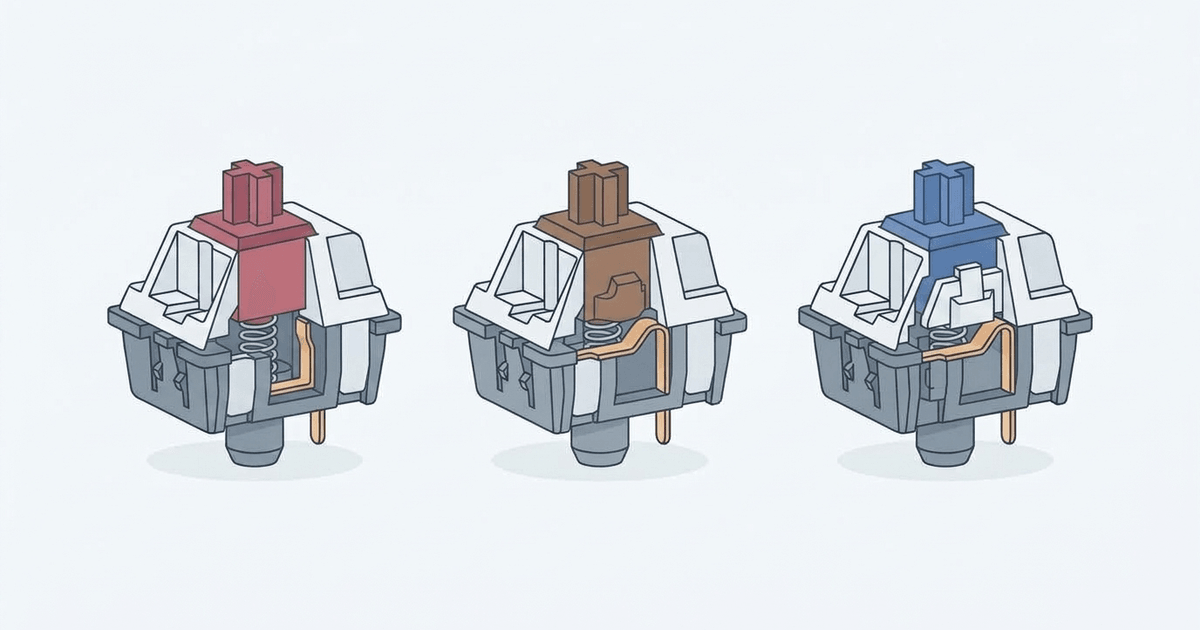
Compare Red, Blue, and Brown mechanical keyboard switches. Learn how actuation force, tactile bumps, click jackets, and hysteresis impact gaming and typing.
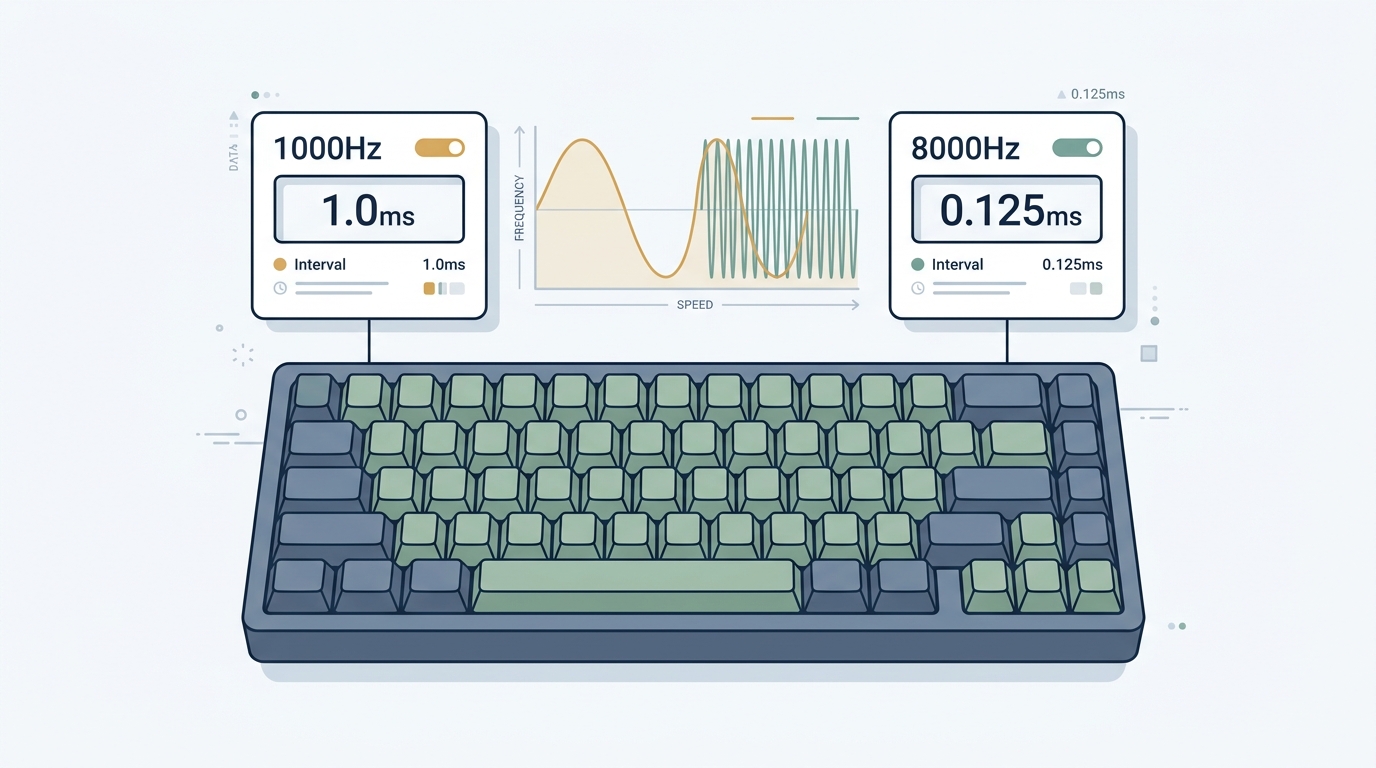
Keyboard polling rate guide: what Hz means, how 1000Hz vs 8000Hz affects input latency, when upgrading matters, and how to benchmark your response time.
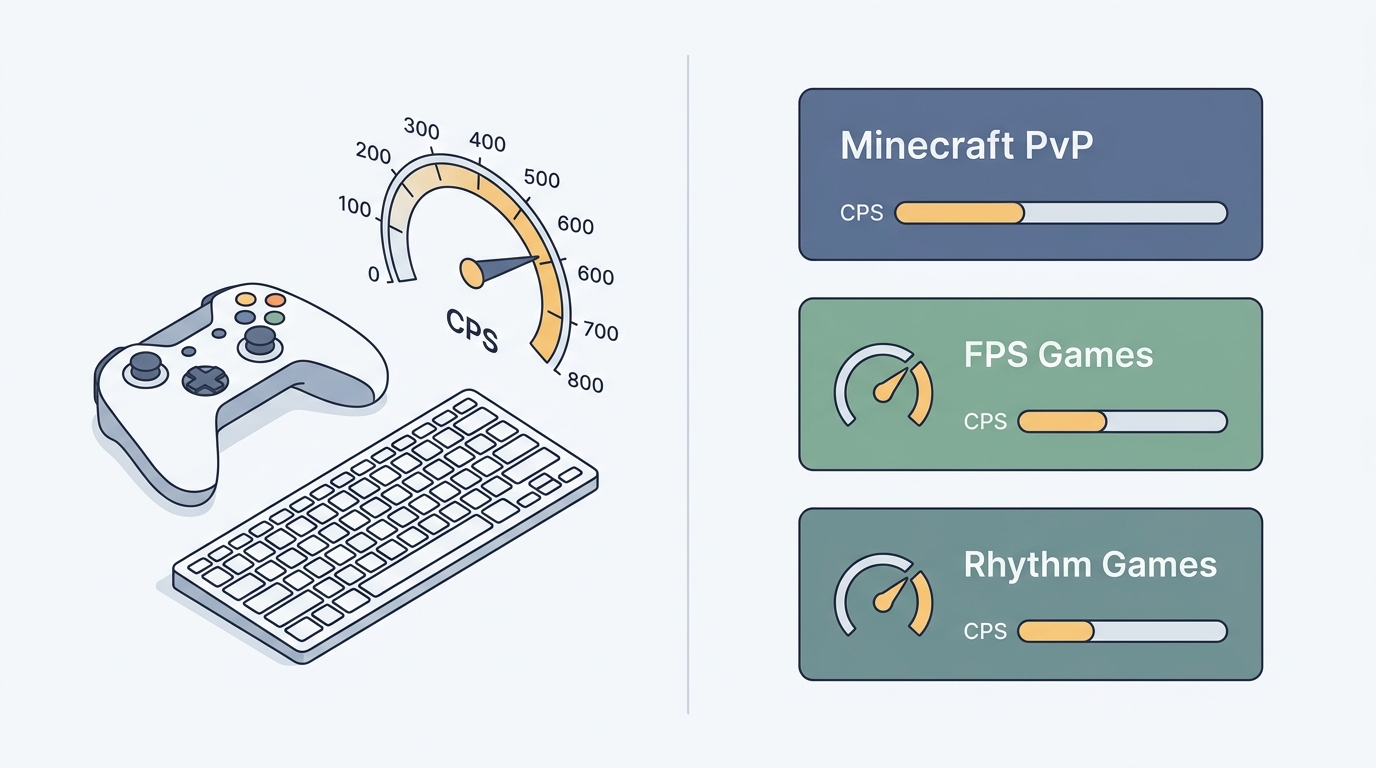
Not every game needs 15+ CPS. Learn the exact click speed you need for Minecraft PvP, Hypixel, Fortnite, FPS titles, and rhythm games — and how to test yours.
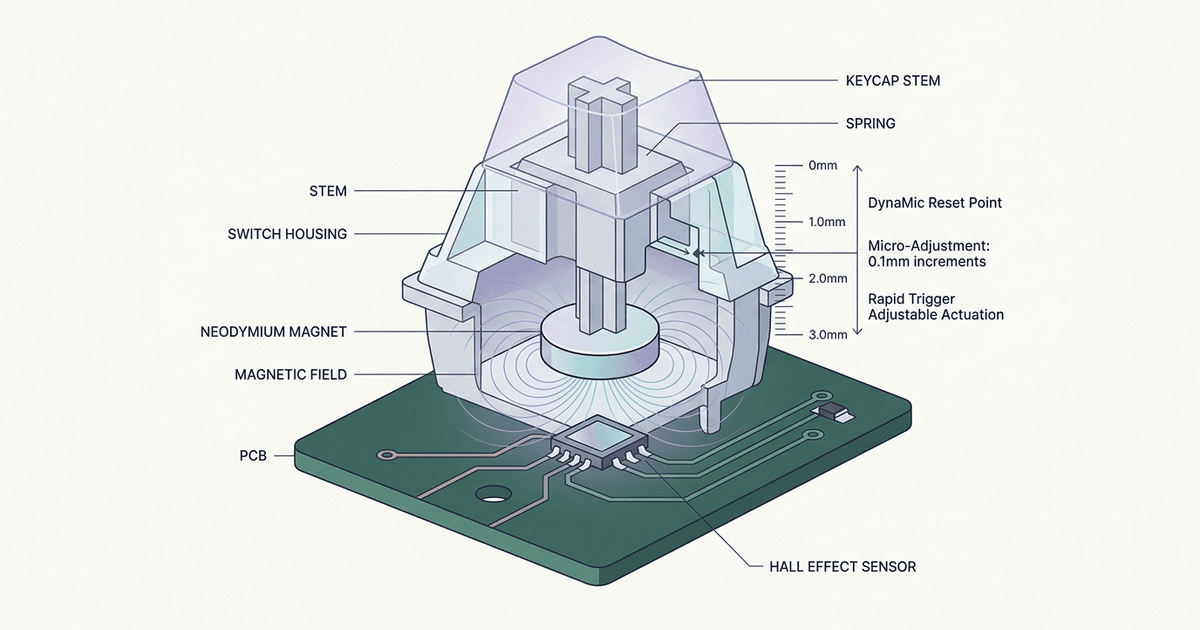
Discover how Hall Effect magnetic switches work, why Rapid Trigger improves gaming, and how magnetic sensors compare to optical and mechanical switches.
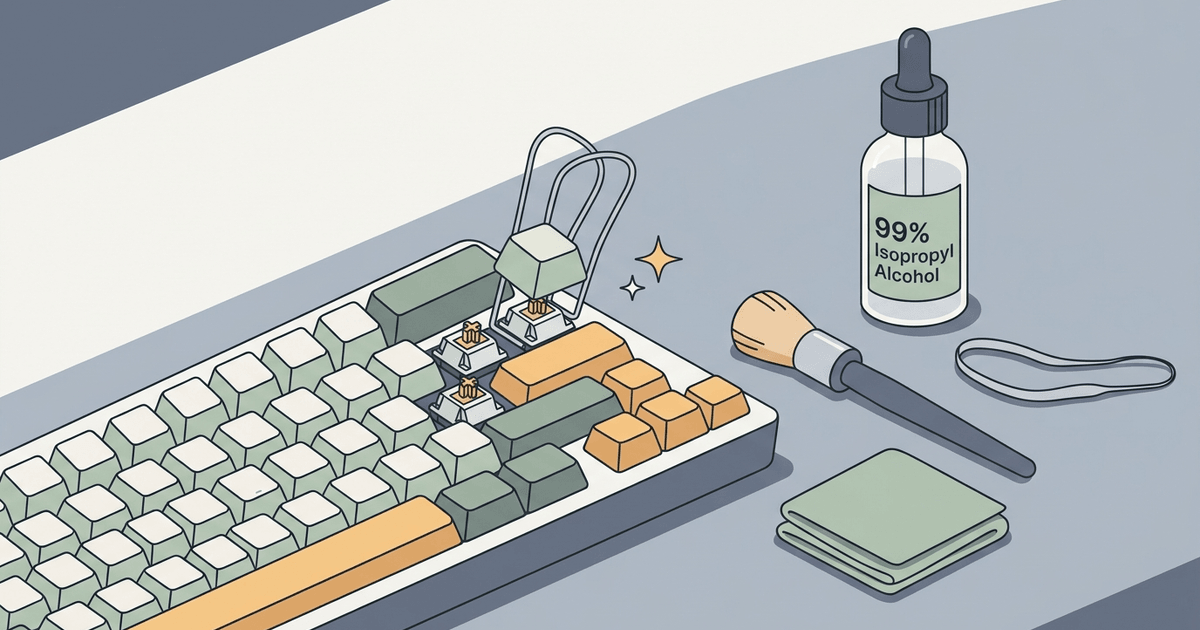
How to fix sticky keyboard keys safely: identify the cause, remove debris, clean dried residue, protect laptop keys, and know when repair is needed.
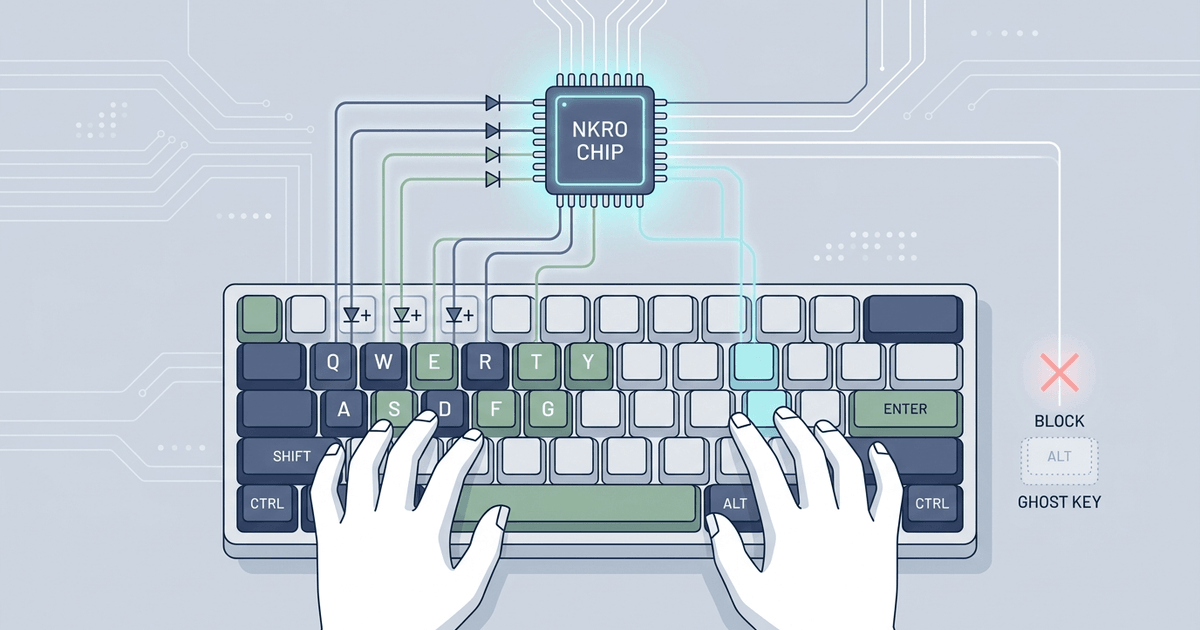
Learn how N-key rollover (NKRO) and 6KRO work, why keyboard ghosting happens at matrix level, how blocking diodes stop phantom keys, and how to test rollover.
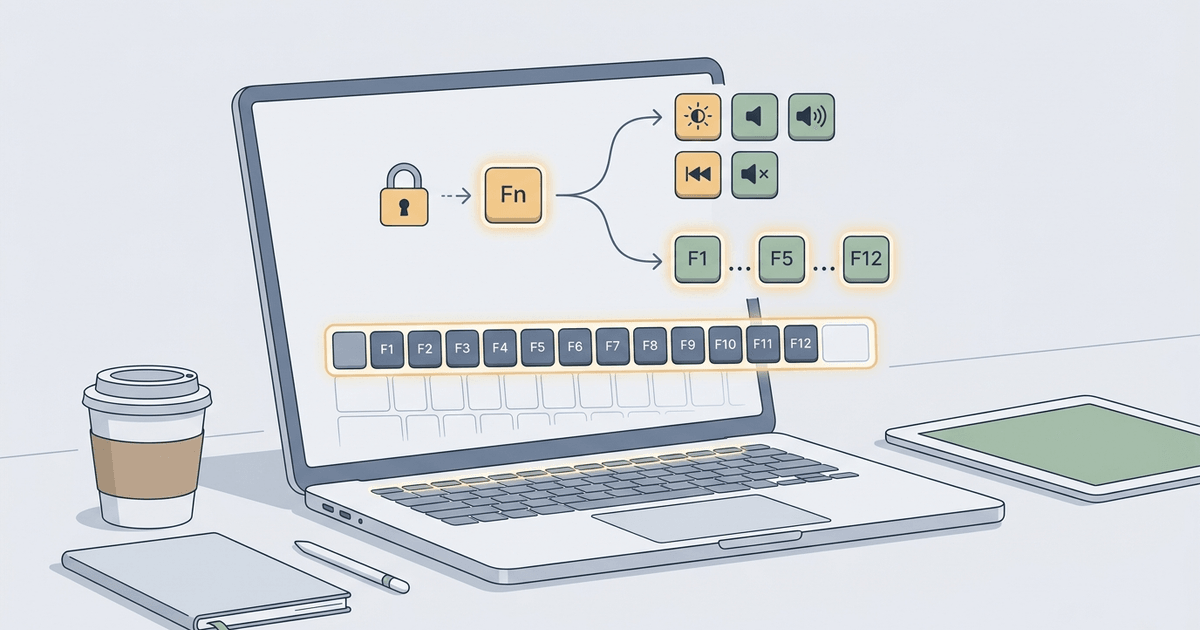
Are your F1–F12 function keys not working or triggering media actions? Troubleshooting guide for Windows, Mac, Lenovo, Dell, HP, and browser overrides.
Discover the benefits of a scroll wheel tester for troubleshooting your mouse. Learn how to ensure optimal performance with our step-by-step guide!
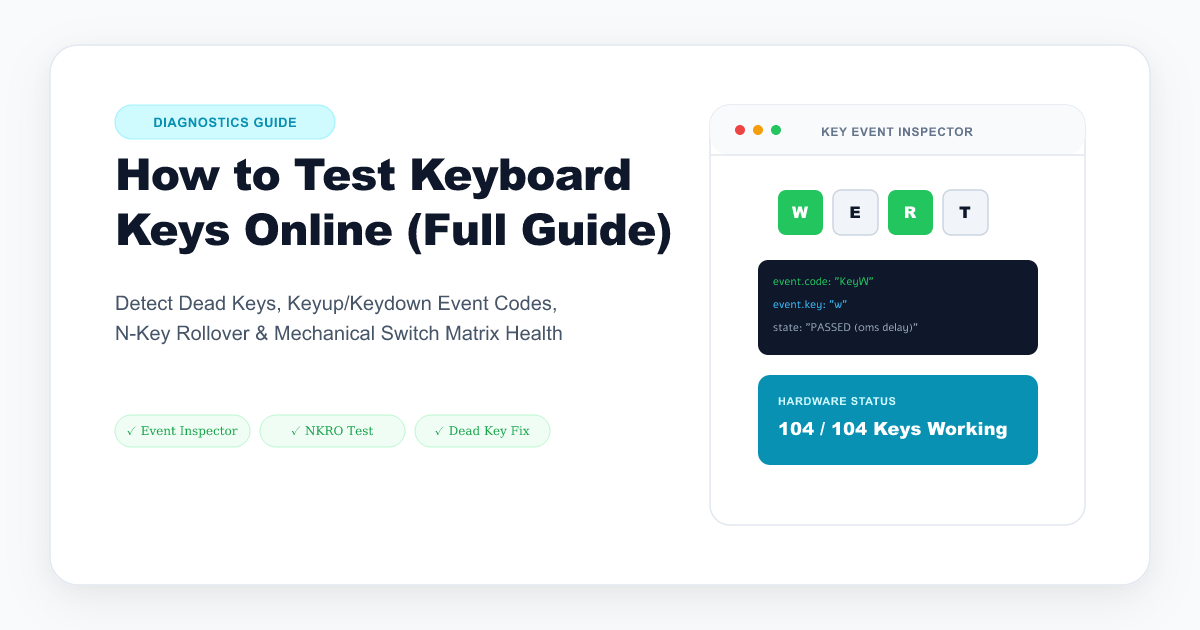
Learn how to test every key on your keyboard online. Detect dead switches, stuck keys, switch chatter, key ghosting, and N-key rollover matrix limits.
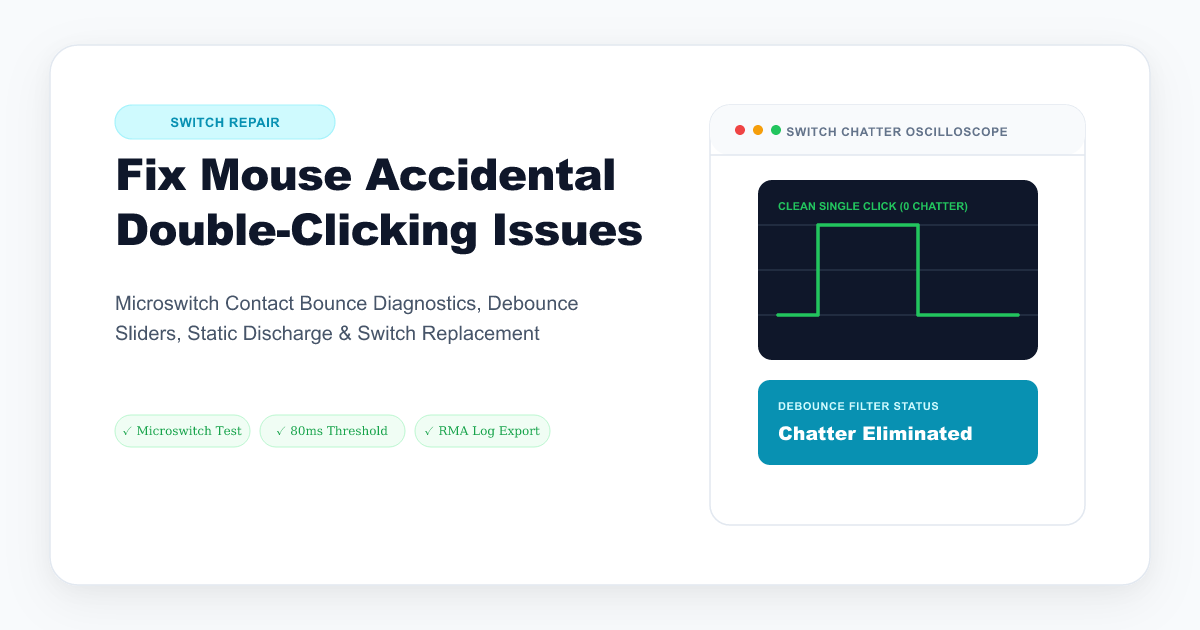
Is your mouse clicking twice when you press once? Learn why Omron and mechanical microswitches double click, how debounce filtering works, and practical fixes.
Is your mouse scroll wheel jumping in the wrong direction, stuttering, or skipping? Learn how optical and mechanical rotary encoders fail and practical fixes.
Master mouse click speed. Learn normal, jitter, butterfly, and drag clicking techniques, CPS ranking tiers, debounce time optimization, and gaming tips.
Master the spacebar speed test. Learn what your CPS score means, the two-thumb technique, switch actuation physics, and how to reach the Godlike rank.
Test every MacBook Pro, Air, and Magic Keyboard key in real time. Diagnose repeating butterfly switches, dead scissor keys, and macOS shortcut conflicts.
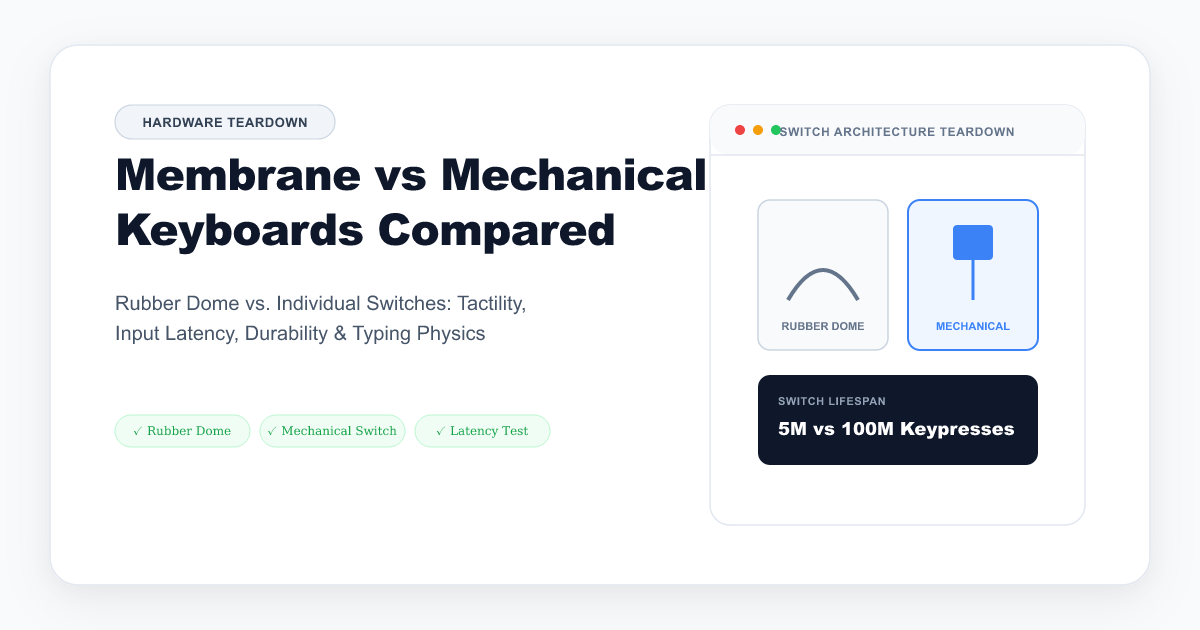
Compare tactile feedback, actuation force curves, n-key rollover matrix limitations, and typing durability between membrane and mechanical keyboards.
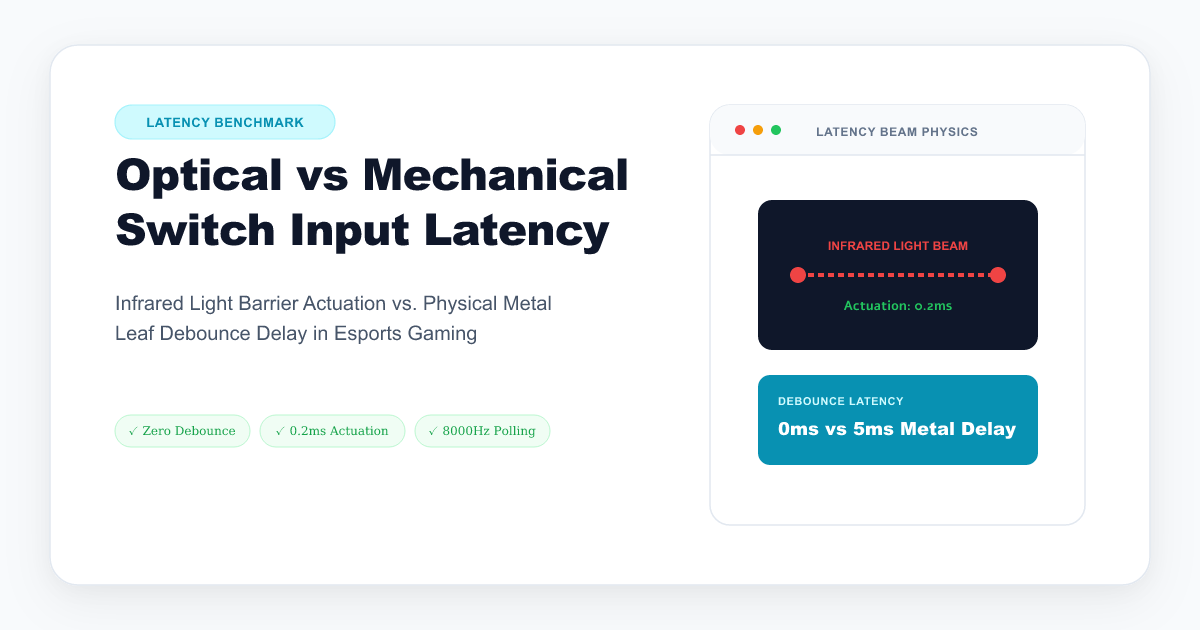
Discover how optical, magnetic Hall Effect, and traditional mechanical switches differ in debounce delay, polling rate, and true input latency.
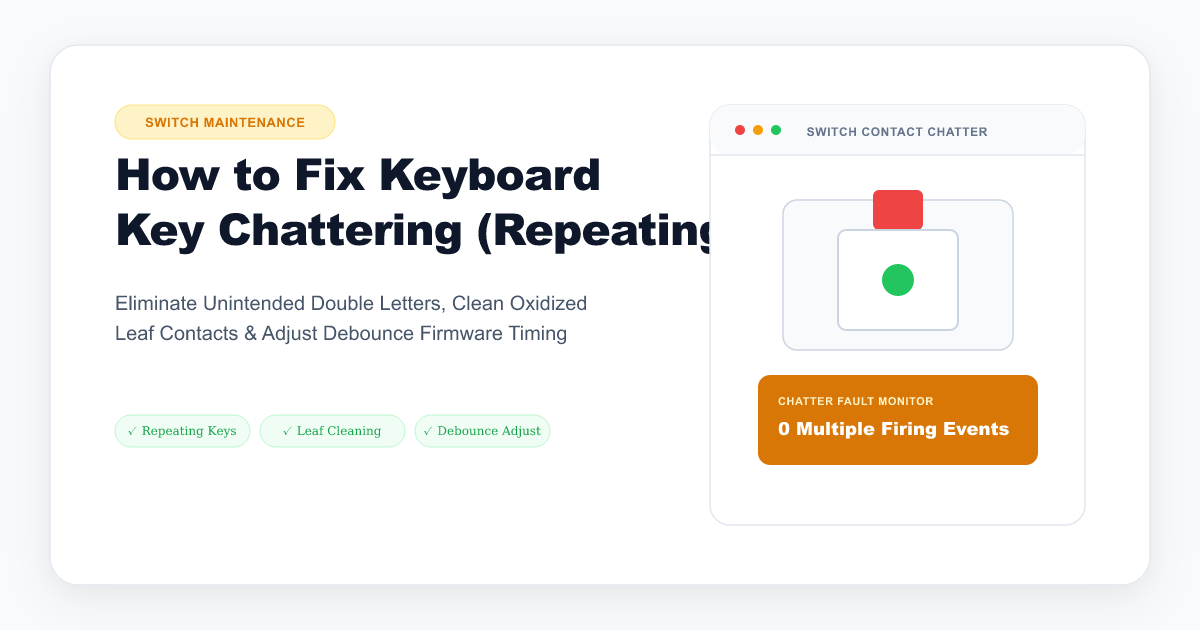
Is your mechanical keyboard typing double letters like 'thhee'? Learn how switch contact bounce works, how to test chatter rate, and practical fixes.
Try clearing your search query or selecting a different category filter.