You single-click a desktop icon to select it, but your operating system opens the folder. You click and drag a file across your desktop, but the mouse randomly “drops” it mid-drag. This classic accidental double-clicking fault is the #1 hardware defect affecting modern computer mice.
In this technical troubleshooting guide, we explain the physics behind microswitch contact fatigue, why lower operating voltages accelerate switch chatter, and how to verify your switch health on our Free Mouse Double Click Test Tool.
What Causes a Mouse to Double-Click Unintentionally?
Inside virtually every mechanical gaming and office mouse, each button sits on top of a subminiature snap-action microswitch (such as Omron D2FC-F-K, Kailh GM 8.0, TTC Gold, or Huano Blue Shell Pink Dot).
Inside the microswitch is a curved beryllium-copper spring leaf and two gold-plated electrical contacts:
Normal Click:  [ Button Press ] ─── [ Clean Contact Close ] ─── [ Release ]

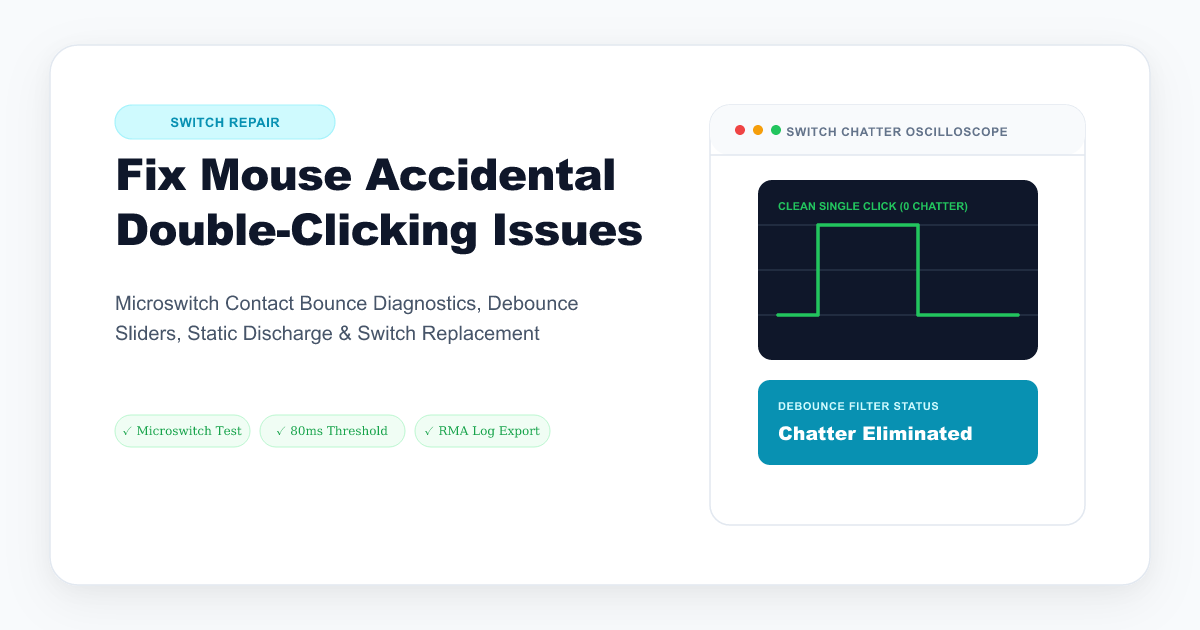
Switch Chatter: [ Button Press ] ─── [ Leaf Vibrates & Bounces ] ─── [ 2 Rapid Signals ]
                                      ▲ Microcontroller records
                                        2 separate click events!
Why Do Microswitches Start Double-Clicking?
- Spring Leaf Tension Loss: Over millions of clicks, the microscopic metal leaf undergoes mechanical fatigue and loses its spring rate, causing it to bounce excessively upon closing.
- Contact Oxidation & Fretting: Microscopic sparks (arcing) and humidity form an insulating oxide layer on the contact pads, causing intermittent electrical resistance fluctuations.
- Low-Voltage 3.3V Engineering: Modern wireless mice run microswitches at very low current (3.3V or less) to maximize battery life. This low voltage is insufficient to burn through microscopic surface oxidation (a phenomenon known as the minimum wetting current threshold), causing signal chatter.
Step 1: Benchmark and Detect Double-Clicks
Before filing a warranty claim or buying a new mouse, verify if the double-click is an actual hardware fault:
- Launch our Free Mouse Double Click Test.
- Click the large test canvas 100 times at a normal, steady cadence.
- Observe the Double Click Alert Counter and Latency Interval Breakdown:
- Legitimate human clicks: Timing varies substantially with the person, test duration, browser, and input device; do not use one fixed threshold as proof of hardware failure.
- Hardware switch chatter: Repeated unusually short or inconsistent intervals can indicate switch chatter, but confirm the pattern with another device or application before treating it as a hardware diagnosis.
- Test all buttons: Left Click (LMB), Right Click (RMB), Middle Click (MMB), and Side Thumb Buttons (Button 4 & 5).
Step 2: Software Solutions & Debounce Adjustment
If your mouse is out of warranty and you want an immediate fix without soldering:
Fix A: Increase Mouse Debounce Time in Driver Software
If your mouse uses companion software (such as Glorious Core, Roccat Swarm, Endgame Gear, or Bloody):
- Navigate to the Click Debounce Time or Response Time slider.
- Increase the debounce setting only within the range documented by the mouse manufacturer.
- This may suppress rapid contact-bounce events, but it can change click responsiveness and is not a repair for worn hardware.
Fix B: Adjust Windows Double-Click Speed
- Press Win + R, type
main.cpl, and hit Enter. - Under the Buttons tab, move the Double-click speed slider towards Fast.
- This narrows the time window Windows allows for two clicks to count as a double-click, reducing accidental desktop launches.
Step 3: Hardware Solutions (Cleaning vs. Optical Switches)
| Solution | Difficulty | Longevity | Best For |
|---|---|---|---|
| Model-specific contact cleaner or service | Varies | Not guaranteed | Only when the manufacturer’s exact procedure permits it |
| Microswitch Replacement (model-compatible part) | Moderate (May require soldering) | Depends on the part and use | Repairing a worn switch |
| Optical switch design | Model-dependent | No metal-leaf contact-bounce mechanism, but not failure-proof | Choosing a different switch architecture |
Why Optical Mouse Switches Never Double-Click
If you are tired of microswitch contact failures, optical switches may avoid the metal-leaf contact-bounce mechanism used by traditional microswitches. They can still fail because of electronics, firmware, contamination, or other mechanical parts, so “optical” is not a lifetime guarantee.
Generate a 1-Click RMA Warranty Diagnostic Report
If your mouse is still under manufacturer warranty (Logitech, Razer, Corsair, SteelSeries), warranty support teams often require proof of hardware failure.
Our Mouse Double Click Test Tool includes a 1-Click Copy Diagnostic Summary that records your exact click count, chatter percentage, millisecond latency stamps, and browser environment ready to paste directly into your warranty RMA support ticket.