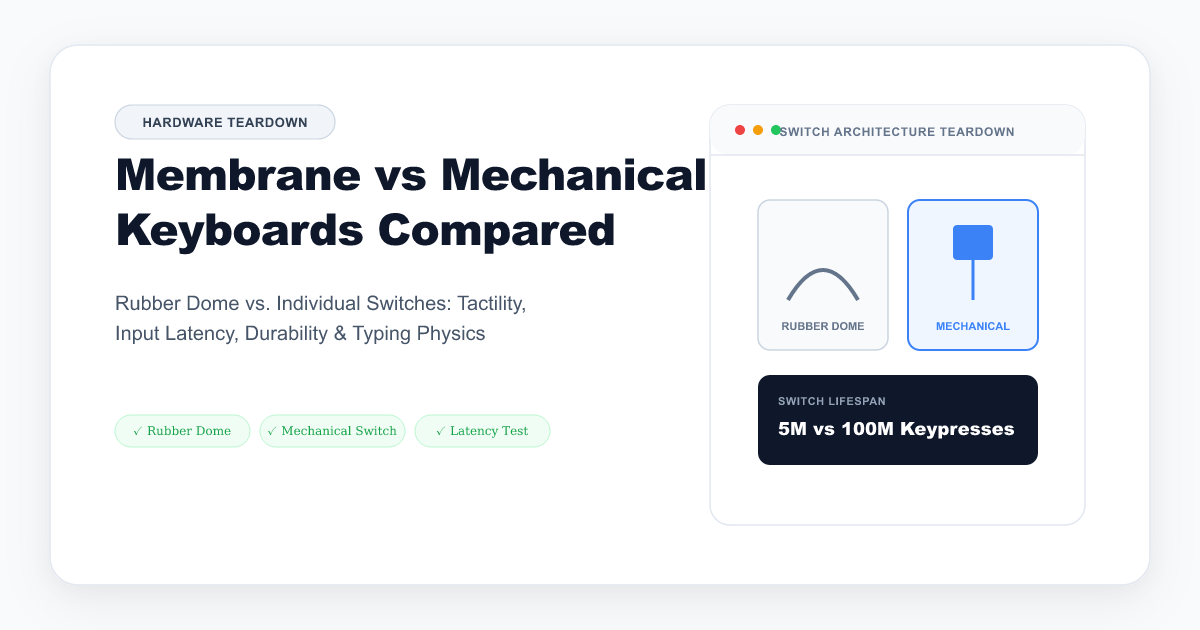
When upgrading your desktop setup or troubleshooting typing inconsistencies, understanding the mechanical distinction between rubber dome membrane keyboards and discrete mechanical switch keyboards is essential.
From office data entry to high-speed coding and gaming, each design provides distinct acoustic feedback, actuation force profiles, and ghosting characteristics.
1. Internal Architecture: How They Work
Membrane Rubber Dome Keyboards
Membrane keyboards consist of three layered plastic sheets sitting under a molded rubber dome mat:
- Top Conductive Layer: Contains silver conductive traces.
- Spacer Layer: An insulating membrane with holes underneath each key.
- Bottom Conductive Layer: Completes the electrical circuit when the top layer makes contact.
When you press down on a membrane keycap, you must compress the rubber dome all the way down until the top and bottom traces meet (bottoming out).
Mechanical Keyboards
Mechanical keyboards utilize individual, self-contained switches under every single keycap. Each switch features:
- A dedicated stem and internal spring.
- Gold-plated metal contact leaves (or optical sensors).
- A defined actuation point roughly halfway through the total travel distance (e.g., 2.0mm actuation on a 4.0mm total stroke).
2. Key Matrix Ghosting & Rollover (2KRO vs. NKRO)
One of the biggest practical differences between membrane and mechanical keyboards is how simultaneous keypresses are decoded.
- Membrane Matrix Limitation (2KRO / 6KRO): Because membrane circuits share conductive trace lanes to minimize manufacturing cost, pressing 3 or more keys simultaneously (such as W + Shift + Space) can cause keyboard ghosting or unrecognized keystrokes.
- Mechanical True N-Key Rollover (NKRO): High-grade mechanical keyboards place a dedicated diode on every switch socket. This prevents electrical back-feeding, allowing all 104 keys to be pressed concurrently without missing a single input.
Test your keyboard’s rollover matrix right now on our Real-Time Key Rollover & Ghosting Tester.
3. Comprehensive Feature Comparison
| Diagnostic Criteria | Membrane Keyboards | Mechanical Keyboards |
|---|---|---|
| Actuation Travel | Must bottom out (3.5mm – 4.0mm) | Mid-stroke (1.2mm – 2.0mm) |
| Typical Lifespan | 5 – 10 Million Keystrokes | 50 – 100 Million Keystrokes |
| Key Rollover | 2-Key to 6-Key Rollover | True N-Key Rollover (NKRO) |
| Feel Over Time | Rubber domes stiffen & degrade | Consistent spring tension for years |
| Modularity & Repair | Non-repairable if trace breaks | Individual hot-swappable switch replacement |
| Acoustic Profile | Muted, damp thud | Customizable (Clicky, Tactile, Silent Linear) |
| Price Point | $15 – $45 | $50 – $250+ |
4. Which One Should You Choose?
Choose a Membrane Keyboard if:
- You work in a shared, noise-sensitive office where silence is required.
- You need a lightweight, spill-resistant, highly affordable typing solution.
- You prefer low-profile laptop-style scissor switches with minimal finger travel.
Choose a Mechanical Keyboard if:
- You type for 4+ hours daily and want to reduce finger fatigue by actuating keys mid-stroke without harsh bottoming out.
- You play fast-paced games requiring simultaneous key combinations without ghosting.
- You value longevity, hot-swappable custom switches, and custom keycaps (see our guide to Red, Blue, and Brown mechanical switches).
Testing Your Current Keyboard
Not sure if your existing keyboard is dropping keypresses or suffering from ghosting during fast typing? Run our Free Online Keyboard Tester to test every key and inspect real-time keystroke matrix events.