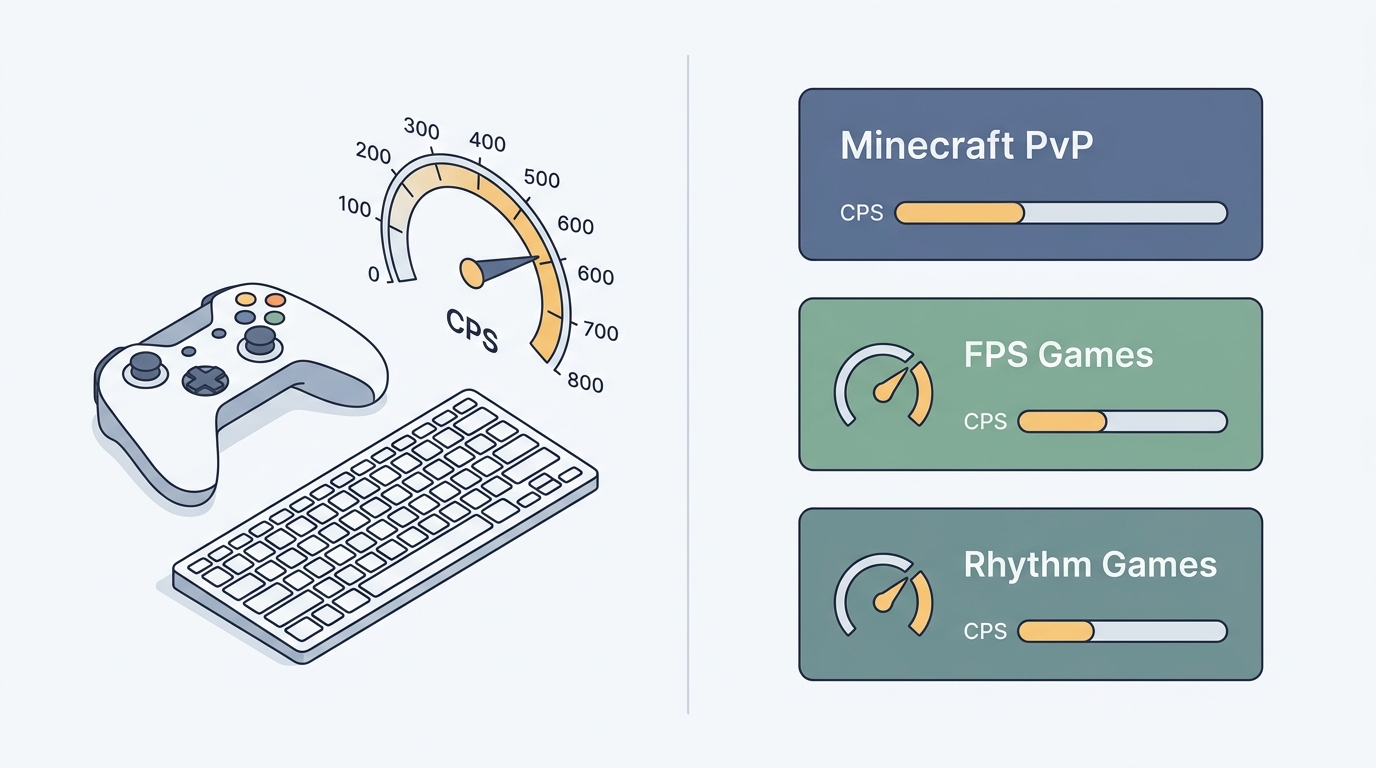
One of the most common questions on gaming forums is: “What CPS do I actually need to be competitive?” The answer is completely different depending on your game — and chasing 20+ CPS when your game doesn’t need it is a waste of time that can even hurt you.
This guide breaks down the exact CPS requirements for every major gaming genre, explains why each number matters mechanically, and points you to the fastest way to measure where you stand right now.
The Baseline: What Average CPS Looks Like
Before diving into game-specific targets, here’s where most players naturally fall without training:
| Player Type | Avg CPS (5-sec test) | Description |
|---|---|---|
| Casual user | 4.0 – 6.0 | Relaxed, single-finger clicking |
| Regular gamer | 6.5 – 8.5 | Fast standard clicking |
| Practiced competitive | 9.0 – 12.0 | Jitter or early butterfly |
| Specialist | 14.0 – 22.0+ | Advanced butterfly or drag clicking |
These ranges are practical editorial starting points, not official game requirements or universal competitive benchmarks. Fire-rate caps, server rules, input methods, accessibility settings, and the test interval can matter more than a peak CPS number.
The key insight: most games don’t need you above tier 2. Only a handful of specific game modes actually reward extreme CPS.
Use the Free CPS Test to benchmark your current score before reading on — it’ll make the targets below much more concrete.
Minecraft PvP (1.8 & Bedrock)
Target CPS: 8.0 – 14.0 CPS
Minecraft 1.8 PvP is the game that made CPS famous. In the legacy combat system, each left-click resets your opponent’s knockback accumulation — so faster clicks mean more sustained knockback control. The relationship isn’t endless though:
- Below 7.0 CPS: You will consistently lose sustained knockback exchanges to faster clickers.
- 8.0 – 10.0 CPS: The competitive sweet spot for most Hypixel and ranked 1.8 servers. Achievable with clean regular clicking or light jitter.
- 11.0 – 14.0 CPS: High-level ranked play (Ranked Hypixel Skyblock, classic PvP servers). You need consistency here, not just burst peaks.
- 14.0+ CPS (Drag/Butterfly): Only necessary on ultra-competitive servers that allow these techniques. Many servers like Hypixel have CPS caps at 14 or 20 CPS with anti-cheat enforcement — clicking beyond that gets you flagged.
Critical note for Minecraft 1.9+ (Java & Bedrock): The new combat system introduced attack cooldown mechanics — clicking faster than once per 0.625 seconds (about 1.6 CPS) delivers zero extra damage. In Bedrock PvP, a steady 6.0 – 9.0 CPS is completely sufficient. Chasing 15+ CPS in post-1.9 is entirely pointless.
FPS Games (CS2, Valorant, Apex Legends)
Target CPS: 5.0 – 8.0 CPS for semi-auto weapons; irrelevant for automatic
This is where the CPS obsession is most misplaced. In tactical shooters:
- Automatic weapons (rifles, SMGs): CPS is irrelevant — the gun fires on mouse-hold and is capped by its own fire rate.
- Semi-automatic and pistols: A steady 6.0 – 8.0 CPS matches or exceeds the maximum achievable fire rate of guns like the Deagle, Sheriff, or Desert Eagle. Clicking at 15 CPS on a semi-auto weapon that can only physically fire 7 rounds per second does nothing.
- Quick-switching in Valorant / PUBG: Accurate rapid flicking between weapons is what matters — 1 clean click per action, not sustained high CPS.
In FPS games, aim precision and trigger discipline are infinitely more valuable than raw CPS. A player at 6.5 CPS with perfect crosshair placement will always outperform a 14 CPS clicker with poor aim.
Minecraft Bridging (Godbridge, Breezily, Ninjabridge)
Target CPS: 10.0 – 16.0 CPS
Speed bridging is the one Minecraft context where extremely high CPS is consistently rewarded — because you are placing blocks on every click during a sprint-jump sequence:
| Bridge Style | Required CPS | Why |
|---|---|---|
| Normal Bridging | 4.0 – 6.0 | Standard backwards walking pace |
| Breezily Bridging | 7.0 – 10.0 | Sprint strafe timing relies on faster clicks |
| Godbridge | 10.0 – 14.0 | Each sprint-jump needs a precisely timed block place |
| Ninjabridge / Moonwalk | 14.0 – 18.0 | Extremely tight block-per-frame requirements |
For bridging specifically, the clicks also need to be rhythmically consistent, not just fast. An erratic 16 CPS will produce gaps in your bridge. A steady 12 CPS with perfect timing produces a flawless path.
Rhythm Games (osu!, osu!mania, Friday Night Funkin’)
Target CPS: Varies wildly — up to 30+ CPS for specific patterns
Rhythm games don’t need sustained high CPS — they need burst precision:
- osu! Standard: 8.0 – 12.0 CPS handles most streams at 180–200 BPM. Fast finger trills (alternating index/middle) push to 14.0+ CPS for deathstreams.
- osu!mania: CPS is tied directly to note density. Playing 8K maps at 240+ BPM requires consistent 16.0+ CPS per column.
- Friday Night Funkin (Expert/FC): Most chart patterns require 6.0 – 10.0 CPS sustained.
The differentiating factor in rhythm games isn’t peak CPS — it’s endurance and consistency across 2–5 minutes. You need the same CPS at minute 4 as you do at minute 1.
Roblox Obbies & Other Games
Target CPS: 5.0 – 8.0 CPS
Roblox platforming requires fast, precise individual clicks — not CPS volume. Most obby mechanics respond to single jump inputs rather than sustained rapid clicking. A reliable 6.0 CPS with quick reaction time beats frantic 14 CPS mashing that causes accidental double-jumps or missed inputs.
How to Improve Your CPS the Right Way
The fastest path from your current score to your target:
- Test your true baseline first. Run three separate 5-second CPS tests and average the results. Ignore your peak — consistency matters more.
- Practice in short intervals. 3-minute daily sessions of deliberate clicking (not marathon grinding) build fast-twitch muscle memory significantly faster than hour-long sessions.
- Match your technique to your target range:
- Below 10 CPS target → standard regular clicking with relaxed wrist
- 10–14 CPS target → light jitter clicking (forearm vibration technique)
- 14+ CPS target (only for speed bridging) → butterfly clicking with two fingers alternating on the same button
- Check your mouse hardware. Mechanical mice with high debounce delays (8ms+) actively filter rapid clicks. If your mouse has companion software (Glorious Core, Roccat Swarm, Bloody), check whether you can reduce the debounce threshold.
The Bottom Line
Chase the CPS your game actually needs — not the biggest number you can produce:
- Minecraft 1.8 PvP / Hypixel: 9–14 CPS
- Minecraft Bridging: 10–16 CPS (with consistency)
- CS2, Valorant, Apex: 6–8 CPS is more than enough
- osu! / Rhythm Games: 8–12 CPS sustained, burst to 14+ for hard patterns
- Minecraft 1.9+, Bedrock, Roblox: 6–9 CPS — above this has zero impact
Benchmark where you are right now, identify your gap, and train specifically for the range that your main game demands.